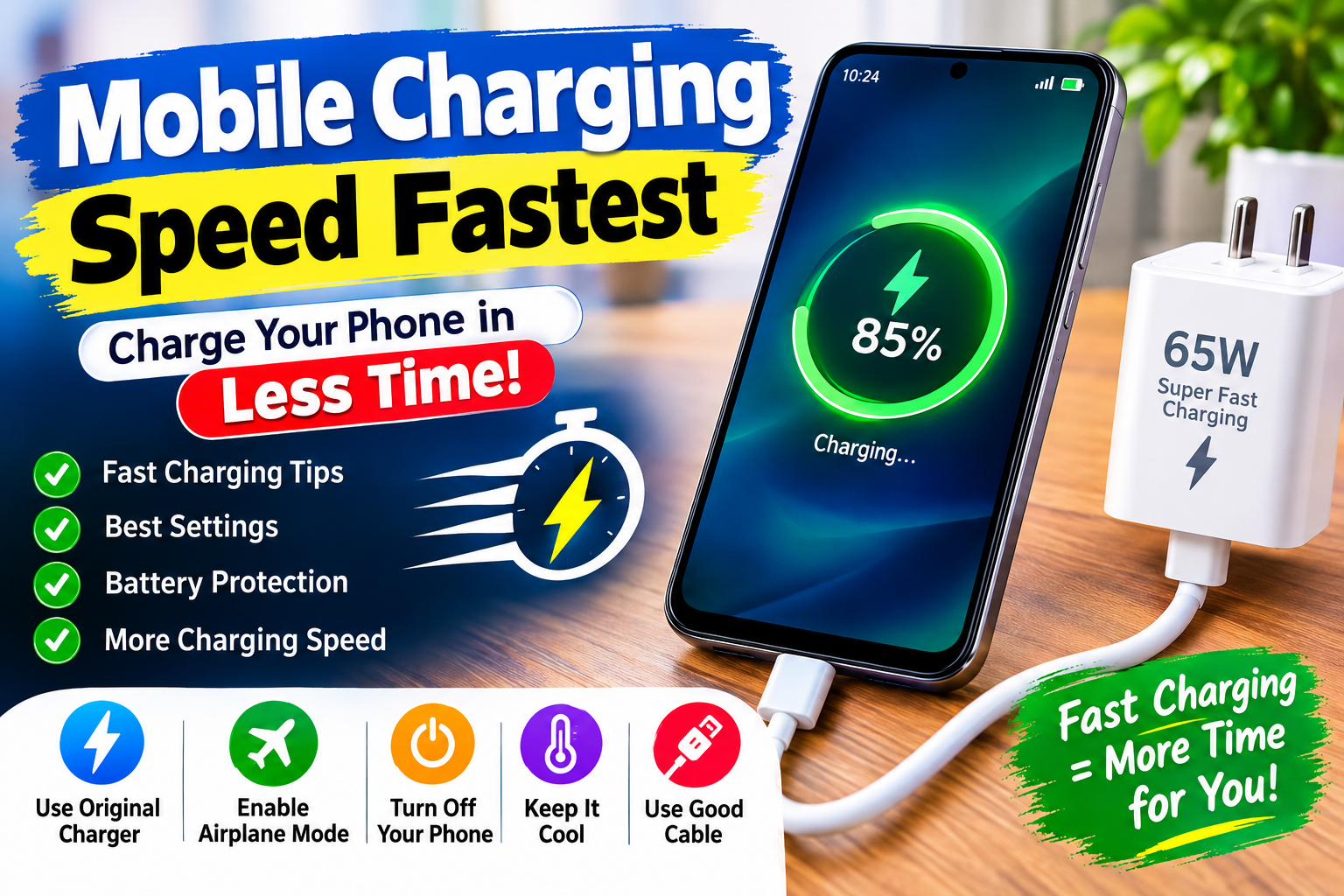
Fast Mobile Charging Speed: How to Charge Your Smartphone Faster in 2026
Are you tired of waiting for your mobile phone to charge? Fast mobile charging speed is one of the most important features for smartphone users today. Whether you use an Android phone or an iPhone, improving your charging habits can help you save time and enjoy your device without unnecessary delays.
In this article, we will explain how to increase mobile charging speed, which settings can help, and how charging apps work. Follow these simple tips to improve your smartphone charging experience.
What Is Fast Mobile Charging Speed?
Fast mobile charging is a technology that allows smartphones to charge their batteries more quickly than traditional charging methods. Many modern smartphones support fast charging technologies such as USB Power Delivery (USB-PD) and Qualcomm Quick Charge.
The actual charging speed depends on your phone model, battery condition, charger, cable, and temperature. Using a compatible fast charger can significantly reduce charging time compared with a standard charger.
How to Increase Mobile Charging Speed
If your smartphone charges slowly, try the following methods to improve its charging performance.
1. Use a Compatible Fast Charger
The charger is one of the most important factors affecting mobile charging speed. Always use a charger recommended by your smartphone manufacturer or a reputable compatible charger.
Check your phone’s supported charging wattage before purchasing a charger. A higher-wattage charger does not automatically make every phone charge faster because the phone controls how much power it accepts.
2. Use a High-Quality Charging Cable
A damaged or low-quality USB cable can reduce charging performance. If your mobile phone supports fast charging, use a compatible cable designed to handle the required power.
If charging becomes slow or unstable, inspect the cable and replace it if necessary.
3. Enable Airplane Mode While Charging
Airplane Mode temporarily disables cellular connections and can reduce power consumption while charging.
This may help your phone charge slightly faster when you are not using it. However, the improvement depends on your device and network conditions.
For even better results, avoid using demanding applications while your phone is connected to the charger.
4. Turn Off Unnecessary Applications
Applications running in the background can consume battery power. Close unnecessary apps and reduce intensive activities such as gaming, video streaming, and downloading large files while charging.
This helps reduce power consumption during the charging process.
Best Mobile Charging Speed Apps
Many users search for mobile charging speed apps on the Google Play Store. These applications can provide battery information, charging status, temperature readings, and estimated charging time.
Some charging applications also offer battery notifications and charging animations.
However, it is important to understand that an ordinary charging app cannot increase your phone’s hardware charging limit. Real charging speed depends on the phone, charger, cable, and battery.
Before installing any battery application, check its reviews, permissions, and developer information.
Benefits of Fast Mobile Charging
Fast charging technology offers several advantages for smartphone users.
- Save time: Charge your smartphone more quickly when you are in a hurry.
- Convenience: Spend less time waiting near a charging outlet.
- Better productivity: Keep your smartphone ready for calls, messages, and daily activities.
- Travel-friendly: Quickly recharge your device before leaving home.
- Improved experience: Enjoy modern smartphone features with less charging downtime.
Fast charging is especially useful for people who frequently use their smartphones for work, entertainment, and communication.
Important Tips for Battery Health
Although fast charging is convenient, battery health should always be a priority.
Avoid charging your phone in extremely hot environments. Excessive heat can negatively affect lithium-ion battery health over time.
Use certified or reputable charging accessories, and avoid damaged chargers or cables. If your phone becomes unusually hot during charging, disconnect it and investigate the cause.
Modern smartphones generally manage charging automatically. Many devices also include battery protection or optimized charging features that help reduce battery wear.
You do not need to install multiple charging applications to maintain your battery.
Can a Charging Speed App Make Your Phone Charge Faster?
Many people believe that installing a fast charging speed app can dramatically increase charging speed. In reality, applications cannot bypass the physical limitations of your phone’s charging hardware.
App Link
A charging app may display battery statistics, reduce distractions, or provide charging notifications. However, it cannot transform a standard charging system into a high-wattage fast charging system.
For the best results, use a compatible charger and cable, keep your phone cool, and avoid intensive activities during charging.
Conclusion
Fast mobile charging speed is essential for smartphone users who want to save time and enjoy a better mobile experience. Using a compatible fast charger, a quality cable, and appropriate charging settings can help improve charging performance.
You can also reduce unnecessary battery consumption by enabling Airplane Mode, closing demanding applications, and avoiding phone usage while charging.
Remember that charging applications provide useful information and convenience, but they cannot increase the hardware charging limit of your smartphone.