How to Convert 4G to 5G Internet on Your Mobile Phone in 2026
In today’s digital world, fast internet is essential for watching videos, playing online games, downloading files, using social media, and browsing websites. Many smartphone users want to convert their 4G internet into 5G to enjoy faster speeds and a better online experience. With the growing availability of 5G networks, people are searching for easy ways to upgrade their mobile internet in 2026.
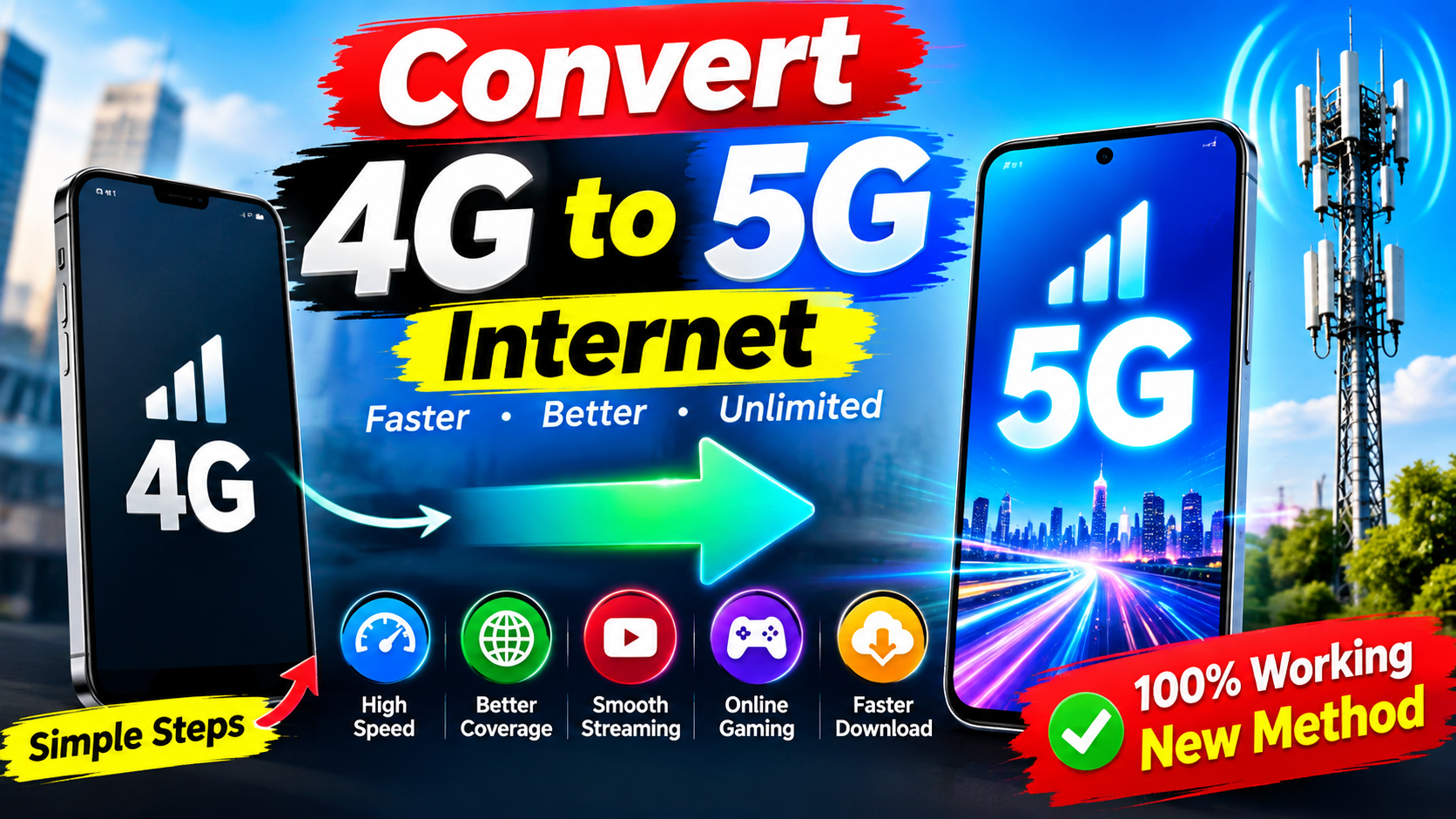
But can you really convert a 4G mobile phone into a 5G phone? The answer is important: you cannot turn a 4G-only phone into a true 5G device using an application or software setting. However, you can improve your existing 4G internet speed and check whether your smartphone supports 5G.
In this article, you will learn how 4G and 5G work, how to enable 5G on a compatible phone, and how to improve your mobile internet connection.
What Is 4G Internet?
4G stands for the fourth generation of mobile network technology. It provides faster internet than older 3G networks and supports activities such as video streaming, online gaming, video calling, and downloading applications.
The actual speed of a 4G connection depends on your mobile network, signal strength, location, and network congestion. In many situations, 4G offers sufficient speed for everyday smartphone activities.
However, users may experience slow internet when too many people are connected to the same network or when they are far away from a mobile tower.
What Is 5G Internet?
5G is the fifth generation of mobile network technology. It is designed to deliver higher speeds, lower latency, and greater network capacity than previous generations.
With a suitable 5G phone and network, users can enjoy faster downloads, smoother high-quality video streaming, and improved performance in supported online games.
Nevertheless, 5G performance varies depending on network coverage, available frequency bands, signal quality, and your mobile operator. A 5G phone does not automatically guarantee faster internet everywhere.
Can You Convert a 4G Phone to 5G?
Many websites and applications advertise features that claim to convert 4G internet into 5G. However, a software application cannot add the 5G modem and radio hardware required by a 4G-only smartphone.
If your phone supports only 4G, you will need a compatible 5G smartphone to access a true 5G mobile network.
Some applications can help you check your network information, monitor internet speed, or access your phone’s network settings. These tools may be useful, but they cannot upgrade unsupported hardware to 5G.
How to Enable 5G Internet on Your Smartphone
If you already own a 5G-compatible smartphone, follow these steps to check whether 5G is available.
Step 1: Check Your Phone Compatibility
Open your smartphone settings and look for network or mobile connection information. You can also check your phone’s official specifications to confirm that it supports 5G.
Step 2: Check Your SIM Card and Network Plan
Contact your mobile operator to confirm whether your SIM card and current plan support 5G services. Requirements may vary by operator.
Step 3: Open Mobile Network Settings
On most Android phones, open Settings, select Connections or Network & Internet, and then choose Mobile Networks.
Step 4: Select the Preferred Network Type
If your device and operator support 5G, choose an option such as 5G/4G/3G/2G (Auto). The exact wording depends on your smartphone model.
Step 5: Check Network Coverage
Make sure 5G service is available in your area. If coverage is unavailable, your phone may connect to 4G instead.
How to Increase 4G Internet Speed
If your phone does not support 5G, you can still try several methods to improve your 4G internet connection.
1. Choose a Better Signal Location
Move closer to a window or an open area where your mobile signal is stronger. Thick walls and buildings can weaken reception.
2. Enable Airplane Mode Temporarily
Turn on Airplane Mode for around 10 seconds, then turn it off. Your phone will reconnect to the mobile network, which may help resolve temporary connection problems.
3. Close Background Applications
Some applications use mobile data in the background. Close unnecessary apps and restrict background data usage when appropriate.
4. Use the Correct Network Settings
Check that your preferred network type is set to an appropriate automatic mode supported by your phone and operator. Avoid forcing unsupported network bands or modes.
5. Update Your Smartphone
Install official software updates when available. Updates can improve device stability and sometimes resolve network-related issues.
6. Test Your Internet Speed
Use a reputable internet speed-testing service to measure your download speed, upload speed, and latency. Test at different times and locations to understand your connection’s performance.
Benefits of Using 5G Internet
5G offers several potential advantages for compatible devices and networks:
- Faster downloads for large files.
- Smoother streaming of high-resolution videos.
- Lower latency in supported applications.
- Improved network capacity in busy locations.
- Better performance for certain cloud gaming and connected-device services.
These benefits depend on local coverage, network quality, and device compatibility.
Conclusion
Converting 4G internet into true 5G is not possible through a mobile application alone. To use 5G, you need a 5G-compatible smartphone, a supported mobile plan, and available 5G network coverage.
If you currently use a 4G phone, you can still improve your internet experience by strengthening your signal, adjusting suitable network settings, updating your device, and reducing unnecessary background data usage.
Download
Before downloading any app that promises to convert 4G into 5G, remember that such claims cannot replace the hardware required for a genuine 5G connection. Choose reliable network tools and official settings to get the best performance from your smartphone in 2026.