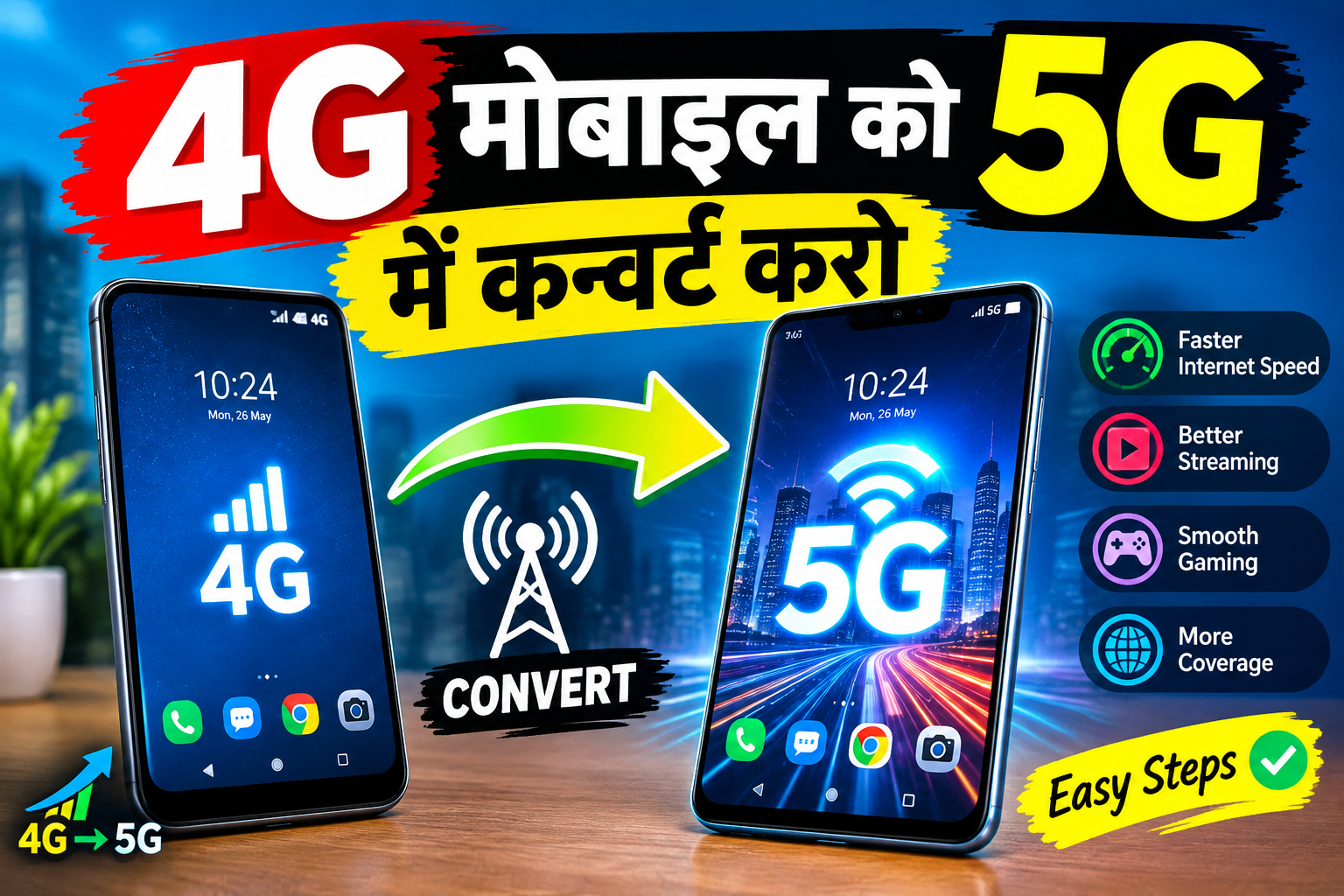
How to Convert 4G to 5G Internet: Complete Guide
5G internet is becoming increasingly popular because it offers faster speeds, lower latency, and better network performance than older mobile technologies. Many smartphone users who currently have a 4G connection search for ways to convert 4G to 5G internet. While there are apps and settings that claim to make this possible, it is important to understand how mobile networks actually work before trying them.
The good news is that if your smartphone already supports 5G, you may only need to activate the correct network settings and use a compatible SIM and 5G network. However, a 4G-only phone cannot be converted into a genuine 5G device simply by installing an application.
What Is 5G Internet?
5G stands for the fifth generation of mobile network technology. It is designed to provide significantly higher speeds, lower latency, and improved connectivity compared with 4G LTE.
Depending on your carrier, location, device, and network conditions, 5G can provide much faster downloads and smoother streaming. It can also improve online gaming, video calls, cloud services, and other activities that require a stable internet connection.
Can You Really Convert 4G to 5G?
The answer depends on your smartphone.
If your phone has 5G hardware, you can potentially use a 5G network by enabling the appropriate settings and having a compatible SIM and network plan.
If your phone is 4G-only, there is no legitimate software or Android application that can physically upgrade its cellular hardware to 5G. Apps sometimes advertise themselves as “4G to 5G converters,” but they generally cannot create a real 5G connection.
Therefore, before downloading any application, check whether your phone model supports 5G.
Check Whether Your Phone Supports 5G
The easiest way to check is through your phone’s specifications or network settings.
Open Settings and look for options such as:
Settings → Mobile Network → Preferred Network Type
If you see options such as 5G/4G/3G/2G or 5G Auto, your device may support 5G.
You can also search for your exact phone model on the manufacturer’s official website and check the network specifications.
How to Enable 5G on an Android Phone
If your smartphone supports 5G, follow these general steps:
- Open Settings.
- Select Mobile Network, Connections, or SIM Card & Mobile Network.
- Select your active SIM card.
- Open Preferred Network Type or Network Mode.
- Select an option containing 5G, such as 5G/4G/3G/2G Auto.
- Restart your phone if necessary.
The names of these options can vary depending on the manufacturer and Android version.
Once enabled, your phone will automatically connect to 5G when compatible coverage is available.
You Also Need 5G Network Coverage
Changing the network mode does not guarantee a 5G connection. Your mobile operator must provide 5G coverage in your area.
If 5G is unavailable where you live, your phone will normally remain connected to 4G or another available network.
Network availability can also depend on your location, indoor coverage, network congestion, and the frequency bands supported by your smartphone.
Does a 5G App Convert 4G Internet?
Many applications on the internet claim to “convert 4G to 5G” with one click. You should be careful with these apps.
An application cannot add a physical 5G modem to a phone that does not have one. Some apps may simply provide shortcuts to network settings, display information about your connection, or change certain configuration options.
Avoid applications that promise unlimited 5G internet, free carrier data, or instant 5G without compatible hardware and network service. Such claims can be misleading and may expose your device to unnecessary security or privacy risks.
What If Your Phone Is 4G Only?
If your smartphone does not support 5G, the most reliable solution is to upgrade to a 5G-compatible device.
Before purchasing a new phone, check several things:
- 5G support
- Supported network bands
- Carrier compatibility
- SIM compatibility
- Software updates
- Battery performance
- Your mobile operator’s 5G availability
A 5G phone connected to a 4G-only network will still use 4G. Likewise, a 5G network cannot be used by a device that lacks the necessary 5G hardware.
Improve Your 4G Internet Speed
If upgrading to 5G is not currently possible, you can still improve your 4G experience.
Keep your phone’s software updated, use a good-quality SIM, move to an area with stronger signal, and close applications that are unnecessarily using mobile data. You can also restart your phone or enable and disable Airplane Mode to refresh the network connection.
App Link
Testing your connection in different locations can help identify areas with stronger signal strength.
Final Thoughts
Converting 4G to 5G internet is not simply a matter of downloading an app. Real 5G connectivity requires compatible hardware, a supported SIM or plan, appropriate network bands, and 5G coverage from your mobile operator.
If your current smartphone already supports 5G, check its network settings and enable an appropriate 5G mode. If it is a 4G-only phone, a genuine 5G connection requires a compatible 5G device.
Always be cautious with apps that promise instant 5G conversion or free unlimited internet. Understanding your phone’s capabilities and your carrier’s network is the safest and most effective way to get faster mobile internet.