How to Unlock a Mobile Phone When You Forget the Screen Lock Password
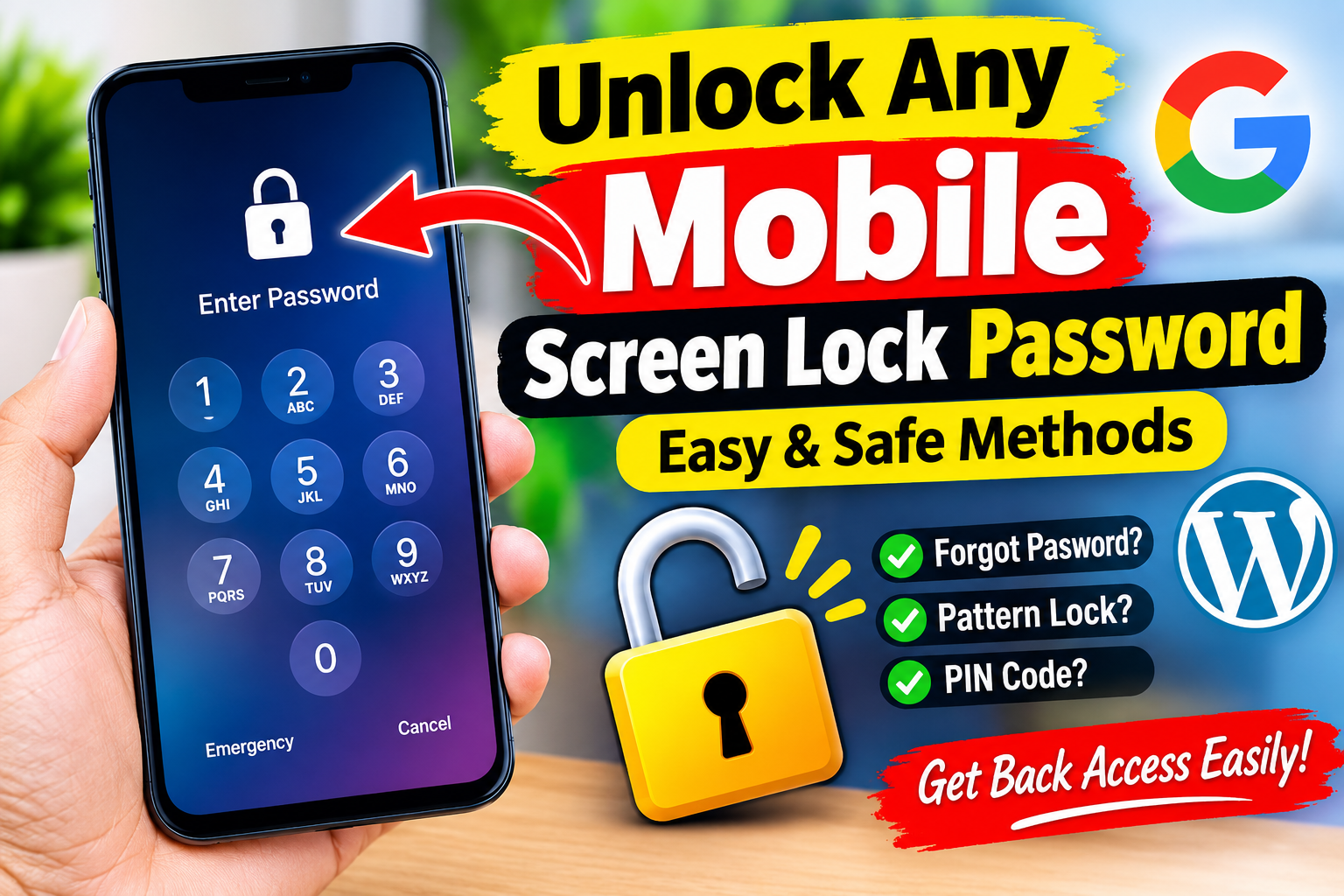
Forgetting the screen-lock password, PIN, or pattern on a mobile phone can be frustrating, especially when the device contains important photos, contacts, documents, and messages. Fortunately, there are legitimate ways to regain access to a phone that you own. The correct method depends on the phone’s manufacturer, operating system, and the accounts previously connected to the device.
This article explains safe and official approaches to recovering access to a locked smartphone. It does not cover methods designed to bypass another person’s security or defeat a device’s protection without authorization.
1. First, Make Sure You Are Using the Correct Account
Before attempting a reset, think about the account associated with the phone. Android phones commonly use a Google Account, while iPhones use an Apple Account. Some manufacturers also provide their own device-management services.
If you recently changed your password, remember that the password used to unlock the phone may not necessarily be the same as your online account password. Likewise, biometric authentication such as a fingerprint or face unlock may sometimes require the original PIN or password after the phone restarts.
If you are unsure about your account credentials, recover the account through the manufacturer’s official account-recovery process before resetting the phone.
2. Try the Official Recovery Options
Some phones provide recovery options after several unsuccessful attempts. Depending on the model and software version, you may see options such as account recovery, device recovery, or instructions to erase the device.
These options are designed to protect the owner while preventing unauthorized access. The exact menus vary considerably between manufacturers, so it is important to follow instructions specifically intended for your model.
Avoid websites or applications that promise to “unlock any phone instantly.” Many such services are unreliable, may contain malware, or may ask for sensitive information such as your Google Account or Apple Account credentials.
3. Android Phones
Android is used by many manufacturers, including Samsung, Google, Xiaomi, OnePlus, Motorola, Oppo, Vivo, and others. Because of this, there is no universal password-removal procedure that works on every Android phone.
If you own an Android device and cannot remember its screen lock, start with the manufacturer’s official support documentation. Look for instructions related to forgotten PINs, forgotten patterns, device recovery, or factory reset.
A factory reset is often the final official solution when the screen lock cannot be recovered. However, it normally deletes information stored locally on the phone.
After the reset, Android’s security protections may require you to sign in with the Google Account that was previously associated with the device. This feature helps prevent stolen phones from being reset and reused by unauthorized people.
Therefore, make sure you know the correct account credentials before performing a reset.
4. Samsung Devices
Samsung phones have additional account and device-management features that can help owners manage their devices. If you have a Samsung phone, check Samsung’s official support resources and account services for the options available to your particular model and software version.
Some older procedures described on websites may no longer work on modern versions of Samsung’s software. This is why using current manufacturer documentation is safer than relying on random videos or third-party unlocking programs.
If a factory reset is required, remember that locally stored data may be erased.
5. iPhone and iPad
Apple devices use strong security protections that are specifically designed to prevent unauthorized access. If you forget an iPhone passcode, Apple’s official recovery procedure generally involves erasing the device and then restoring it from a backup, if one exists.
The process can normally be performed using Apple’s official device-recovery procedures and a computer when necessary.
After the device is erased, you may need the Apple Account credentials previously associated with the phone because of Activation Lock. This is an important anti-theft feature.
If you purchased a used iPhone and it remains linked to the previous owner’s account, the previous owner generally needs to remove the device from their account. A legitimate unlocking service cannot simply remove another person’s ownership protection.
6. What Happens to Your Data?
One of the biggest concerns when recovering a locked phone is data loss.
If you have a recent cloud backup, you may be able to restore your contacts, photos, applications, and other information after resetting the phone. Android devices may use Google services for backups, while Apple devices commonly use iCloud.
However, not every type of data is automatically backed up. Some files may exist only in the phone’s internal storage.
For this reason, never perform a factory reset casually. First determine whether you have a backup and whether the information you need is synchronized with a cloud account.
If the data is extremely important and you do not have a backup, consider contacting the manufacturer’s authorized support service before resetting the device.
7. Avoid “Universal Unlock” Programs
Search engines and social media contain many advertisements claiming to unlock any mobile phone without a password. These claims should be treated carefully.
A legitimate service cannot guarantee that every phone can be unlocked without authentication or data loss. Modern smartphones intentionally use hardware-backed security and encryption to make unauthorized access difficult.
Third-party tools may also request installation of unknown software, USB debugging, account credentials, or payment information. Giving these details to an untrusted service can create additional security risks.
Never provide your Google Account, Apple Account, banking information, or two-factor authentication codes to an unknown unlocking service.
8. If You Bought a Used Phone
A particularly common situation occurs when someone purchases a second-hand phone and discovers that it is still protected by the previous owner’s account.
In this situation, the correct solution is to contact the seller and ask them to remove the device from their account. You should not attempt to bypass the ownership protection.
Before purchasing a used phone, check that the seller has signed out of their accounts and removed all activation or device-management locks. Ideally, the phone should be reset in front of you and reach the normal setup screen.
Keeping proof of purchase is also useful if you need assistance from the manufacturer.
9. When Professional Help Is Appropriate
If the phone belongs to you and you have tried the official recovery options without success, authorized technical support can be the safest option.
Have proof of ownership available, such as a purchase receipt, carrier documentation, or other legitimate ownership records. Support staff can tell you which recovery options are available for the exact model.
Professional assistance is particularly important when the phone contains irreplaceable data or when you are unsure whether a reset will erase something important.
10. How to Prevent the Problem in the Future
The easiest way to avoid being locked out is to prepare before a problem occurs.
Use a password or PIN that you can remember while still being difficult for others to guess. Keep your recovery email address and phone number up to date. Enable official cloud backups and periodically verify that important photos and documents are synchronized.
You should also know the account associated with your device. For Android, this may be your Google Account; for Apple devices, it is usually your Apple Account.
Store important account-recovery information securely. Do not keep your only copy of a password in a location that becomes inaccessible when your phone is locked.
Conclusion
There is no legitimate universal method for unlocking every mobile phone without the screen-lock password. Modern smartphones are deliberately designed to resist unauthorized access.
App Link
If you have forgotten the password to your own phone, the safest approach is to use the manufacturer’s official recovery process, recover the associated Google or Apple Account when necessary, and use an authorized factory-reset procedure if there is no alternative. Remember that a reset can erase locally stored information, so check for backups first.
Avoid websites and programs promising guaranteed “one-click” unlocking. They may expose your personal information, damage the device, or simply fail to work.
The goal of phone security is to make unauthorized access difficult. When you are the legitimate owner, using official account recovery, manufacturer support, backups, and proof of ownership provides the safest path back into your device.