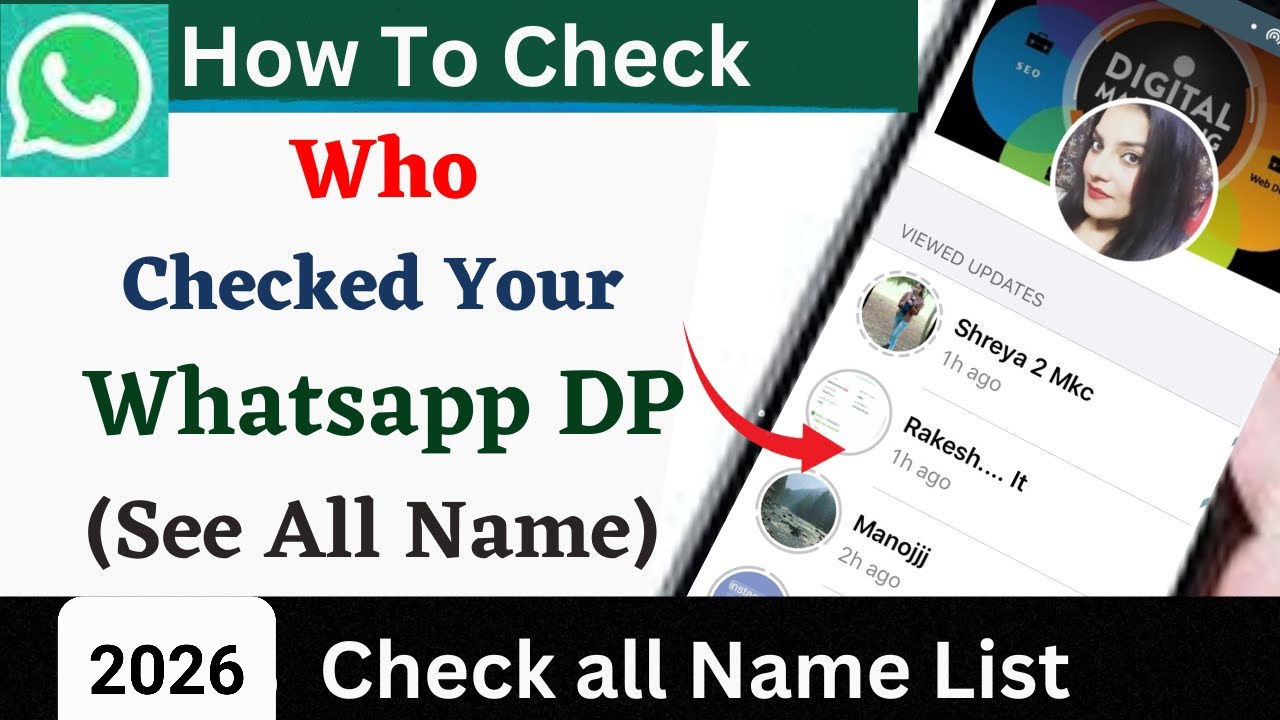
WhatsApp: How to Check Who Viewed Your WhatsApp Profile
WhatsApp is one of the most popular messaging apps in the world. Millions of people use it every day to send messages, make calls, share photos, and post Status updates. Because of this, many users wonder whether there is a way to check who has viewed their WhatsApp profile. If you have the same question, it is important to understand what WhatsApp actually allows and what information remains private.
Can You See Who Viewed Your WhatsApp Profile?
Currently, WhatsApp does not provide an official feature that shows a list of people who have visited or viewed your profile. You can see certain types of activity, such as who viewed your WhatsApp Status, but there is no official profile-view history.
Your WhatsApp profile can include your profile picture, About information, and other details depending on your privacy settings. Someone may see these details without WhatsApp telling you that they opened your profile.
How to Check Who Viewed Your WhatsApp Status
Although profile visitors cannot be identified, WhatsApp does provide a feature for checking Status viewers. If you want to see who viewed your Status, open WhatsApp and go to the Updates or Status section.
Open your active Status and swipe upward or tap the eye icon. WhatsApp can then display a list of contacts who have viewed that particular Status.
Keep in mind that Status view information depends on privacy settings. Read receipts can affect whether you can see certain Status-view information.
Be Careful With Third-Party Apps
You may find websites or apps claiming that they can show exactly who viewed your WhatsApp profile. You should be careful with these services. WhatsApp does not officially provide a profile-viewer feature, so third-party apps cannot legitimately access an official list of profile visitors.
Some unknown apps may request unnecessary permissions, display aggressive advertisements, or ask you to provide personal information. Installing unofficial WhatsApp-related applications can also create privacy and security risks.
For your safety, avoid entering your WhatsApp verification code, password, or other sensitive information into websites or apps claiming to reveal profile visitors.
Check Your WhatsApp Privacy Settings
If you are concerned about who can see your profile information, you can control several privacy options directly from WhatsApp.
Open WhatsApp and go to Settings > Privacy. Depending on your WhatsApp version, you can manage settings for your profile photo, About information, Status, Last Seen, and other privacy-related features.
You can choose options such as Everyone, My Contacts, My Contacts Except…, or Nobody, depending on the particular privacy setting.
Adjusting these options can help you decide which people can access your WhatsApp information.
Can WhatsApp Show Profile Visitors in the Future?
WhatsApp regularly introduces new features and privacy controls, so its features may change over time. However, unless WhatsApp officially introduces a profile-view feature, you should not trust applications claiming to provide a secret or hidden profile visitor list.
App Link
Always check the latest official WhatsApp features before installing third-party tools.
Final Words
If you are searching for a way to check who viewed your WhatsApp profile, there is currently no official method to see a list of profile visitors. WhatsApp does allow users to check who viewed their Status, which is different from profile views.
The safest approach is to use WhatsApp’s built-in privacy settings and avoid unofficial apps that promise to reveal profile visitors. Protecting your account and personal information should always be more important than finding out who opened your profile.