Fast Any Mobile Charging Speed: Best Ways to Charge Your Phone Faster in 2026
Are you looking for ways to increase your mobile charging speed? A smartphone is an essential part of everyday life, and a slow-charging battery can be frustrating when you need your phone for work, gaming, video streaming, or social media. Fortunately, you can improve your phone’s charging performance by following a few simple tips and using the right charging accessories.
In this guide, we will explain how to increase mobile charging speed, reduce unnecessary battery consumption, and keep your smartphone battery healthy. Whether you use an Android phone or an iPhone, these practical methods can help you charge your device more efficiently.
What Is Fast Mobile Charging?
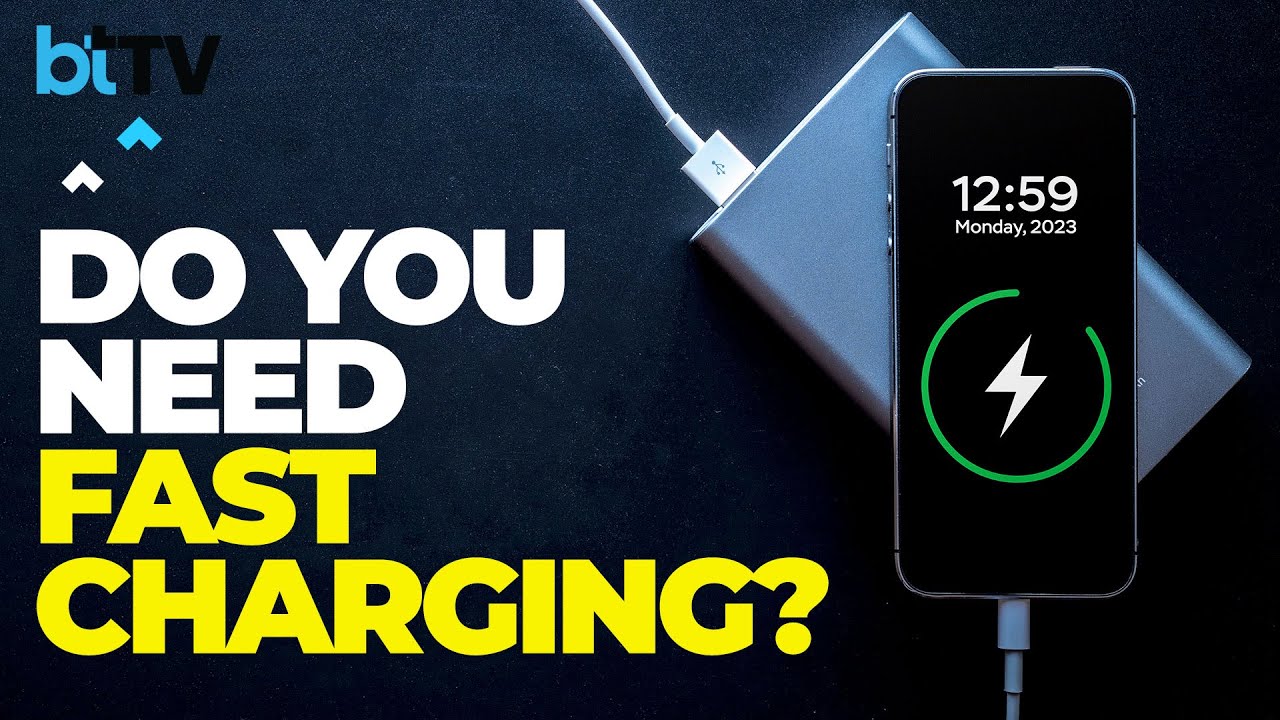
Fast mobile charging is a technology that allows a smartphone battery to charge more quickly than conventional charging methods. Many modern smartphones support fast-charging technologies that work with compatible adapters, cables, and charging systems.
However, charging speed depends on several factors, including your phone model, battery condition, charger output, cable quality, and temperature. Installing an application cannot automatically upgrade a phone’s hardware or make an unsupported device charge at a higher wattage.
To achieve the best results, use a charger that is compatible with your smartphone’s official charging specifications.
Best Ways to Increase Mobile Charging Speed
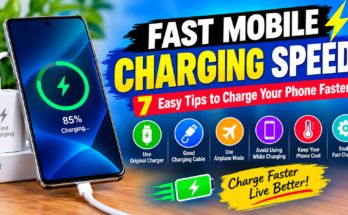
1. Use a Compatible Fast Charger
One of the easiest ways to improve mobile charging speed is to use a compatible fast charger. Standard chargers may provide less power than your smartphone supports.
Check your phone manufacturer’s recommendations before purchasing a new adapter. Choose a reliable charger with the correct power output and supported charging protocol. Avoid cheap, uncertified chargers because they may damage your device or create safety risks.
2. Enable Airplane Mode While Charging
Airplane mode can help your phone charge more efficiently by disabling cellular connections and reducing some background activity. This can be especially useful when your phone has a weak mobile signal.
To enable airplane mode, open your phone’s quick settings panel and tap the Airplane Mode icon. Keep in mind that this method does not increase the charger’s actual power output, and the improvement may vary depending on your device.
3. Turn Off Unnecessary Applications
Background applications can consume battery power while your phone is charging. Closing unnecessary activities, such as resource-intensive games or video-editing apps, may reduce power consumption.
You can also review your battery settings to identify applications that use excessive energy. Avoid force-stopping essential system applications, and remember that closing every application repeatedly is not always necessary.
4. Use a High-Quality Charging Cable
A damaged or low-quality USB cable can affect charging performance. If your phone charges slowly, inspect the cable and connector for visible damage.
Try a manufacturer-approved or certified replacement cable that supports your phone’s charging requirements. A compatible cable is particularly important for devices that support high-wattage charging.
5. Keep Your Phone Cool
Heat is an important factor that can affect charging speed and battery health. Smartphones may automatically reduce charging power when their temperature becomes too high.
Keep your device in a cool, well-ventilated place while charging. Avoid direct sunlight and intensive gaming during charging. If your phone becomes unusually hot, disconnect it and allow it to cool naturally.
Never place your smartphone in a refrigerator or freezer to cool it down.
Best Mobile Charging Speed Apps
Some Android applications help users monitor battery temperature, charging status, battery health, and power consumption. These tools can help you understand why your phone charges slowly.
Here are a few options to explore:
- AccuBattery: Helps monitor battery usage, charging current estimates, and battery health.
- Ampere: Provides estimates of charging and discharging current on supported devices.
- Battery Guru: Offers battery monitoring and charging-related information on compatible Android phones.
These apps are useful for monitoring rather than magically increasing charging speed. Their readings can vary depending on device hardware, software restrictions, and measurement conditions. Download applications only from trusted sources, and check their permissions before installation.
Does a Fast Charging App Really Work?
Many users search for a fast mobile charging speed app because they want to charge their phones in less time. However, most charging booster applications cannot increase the maximum charging power supported by the phone and charger.
Some apps may reduce background activity, display charging information, or suggest battery-saving settings. These features can be useful, but actual fast charging requires compatible hardware and software support.
Be careful with applications that promise instant charging, unlimited battery power, or dramatic charging improvements without explaining how they work.
Common Reasons Your Phone Charges Slowly
Several issues can cause slow charging, including:
- Using an incompatible or low-power charger.
- Connecting a damaged USB cable.
- Charging while running demanding applications.
- Allowing the phone to overheat.
- Accumulating dust or debris in the charging port.
- Experiencing battery degradation or a hardware problem.
If your phone continues charging slowly after trying these steps, consult an authorized repair professional. Do not insert metal objects into the charging port or attempt unsafe battery repairs.
Tips to Maintain Battery Health
To keep your smartphone battery working efficiently, use reliable charging accessories, avoid excessive heat, and install software updates from the manufacturer. You can also enable optimized charging or battery protection features if your device offers them.
Modern smartphones generally manage charging automatically, so you do not need to drain the battery completely before recharging it. Follow your manufacturer’s recommendations for the best long-term results.
Conclusion
Increasing your mobile charging speed does not always require a new smartphone or an expensive accessory. Using a compatible fast charger, choosing a quality cable, enabling airplane mode when appropriate, reducing intensive background activity, and keeping your phone cool can help improve charging efficiency.
App Link
Battery monitoring apps such as AccuBattery, Ampere, and Battery Guru can also help you understand your device’s charging behavior. Remember that actual charging speed depends on your phone’s hardware, charger compatibility, battery condition, and temperature.