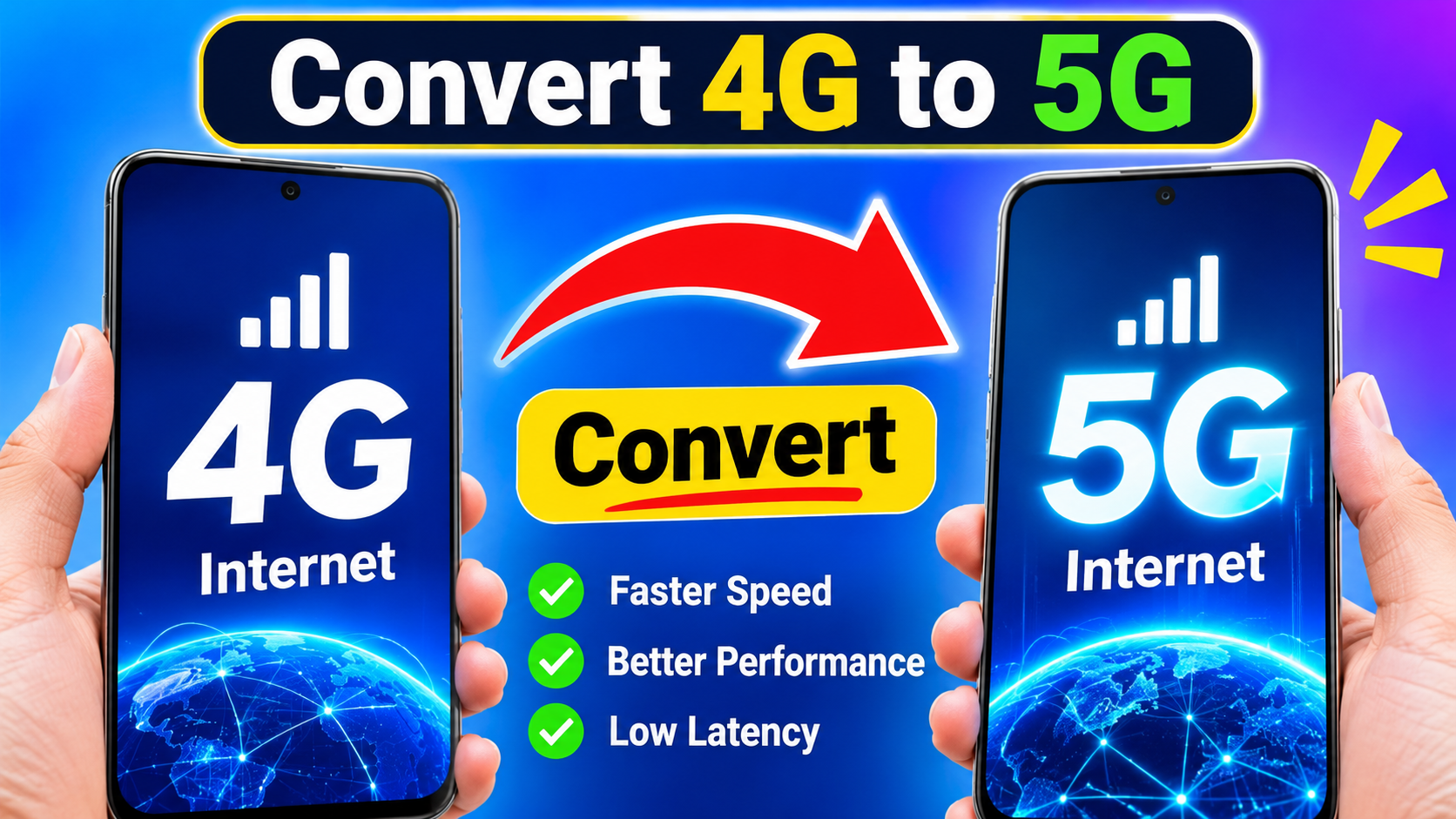
How to Convert 4G to 5G Internet: Complete Guide
Many smartphone users search for ways to convert 4G to 5G internet because 5G offers faster download speeds, lower latency, and better network performance. If your phone is showing a 4G or LTE connection, you may wonder whether it is possible to upgrade it to 5G by changing a setting, installing an app, or using a special trick.
The good news is that you can often enable 5G on a compatible smartphone. However, there is an important limitation: a 4G-only phone cannot be turned into a true 5G phone simply through software. 5G requires compatible hardware, network support, and 5G coverage.
Can You Convert 4G to 5G?
You cannot directly convert a 4G-only smartphone into a 5G smartphone using an application or software setting. A 5G connection requires a modem and antennas capable of communicating with 5G networks.
If your smartphone already supports 5G but is currently connected to 4G, you may be able to switch to 5G through your phone’s network settings.
Before trying anything, check your phone’s specifications and confirm that it supports 5G.
What Do You Need for 5G Internet?
To use 5G internet, you generally need four things:
1. A 5G-Compatible Smartphone
Your smartphone must contain a 5G modem. Many newer Android phones and iPhones support 5G, while older devices may only support 4G LTE.
You can check your phone model’s specifications on the manufacturer’s official website or in the device settings.
2. 5G Network Coverage
Even if your phone supports 5G, it will continue using 4G if 5G coverage is unavailable in your location.
Network availability depends on your mobile operator and the area where you are using the phone.
3. Compatible SIM or Mobile Plan
Some operators may require a compatible SIM card or a specific mobile plan for 5G access. Contact your network provider if you are unsure whether your current SIM and package support 5G.
4. Correct Network Settings
Your phone needs to be configured to allow 5G. On many Android devices, you can find this option under mobile network settings.
How to Enable 5G on Android
If your Android phone supports 5G, you can usually enable it using the following steps:
- Open Settings.
- Tap Connections, Network & Internet, or Mobile Network.
- Select your SIM card or mobile network.
- Open Preferred Network Type or Network Mode.
- Choose an option such as 5G/4G/3G/2G Auto.
The exact names can vary depending on the smartphone manufacturer and Android version.
After changing the setting, move to an area with 5G coverage and wait for the phone to connect. If 5G is available, a 5G icon may appear in the status bar.
How to Enable 5G on iPhone
On supported iPhone models, you can check the mobile network settings by going to:
Settings → Cellular/Mobile Data → Cellular Data Options → Voice & Data
Depending on your carrier and iPhone model, you may see options such as 5G Auto, 5G On, and LTE.
5G Auto can help balance speed and battery usage, while 5G On attempts to use 5G whenever it is available.
Can an App Convert 4G to 5G?
You may find applications online claiming to convert 4G to 5G, increase 5G speed, or unlock hidden 5G capabilities. Be careful with these apps.
An application cannot add a physical 5G modem to a 4G-only smartphone. Apps may provide network information or shortcuts to settings, but they cannot transform 4G hardware into 5G hardware.
Avoid applications that promise unlimited 5G, free 5G internet, or instant 5G activation without requiring network support. Such claims can be misleading.
How to Get Faster 4G Internet
If your phone does not support 5G, you can still improve your 4G internet performance.
First, make sure your phone has a strong signal. Network performance can decrease inside buildings, underground areas, or locations far from a cellular tower.
You can also try these steps:
- Restart your smartphone.
- Turn Airplane Mode on for a few seconds and then turn it off.
- Make sure your mobile data is enabled.
- Check whether your data package has reached its limit.
- Update your phone’s software.
- Reset network settings if necessary.
- Test the connection in another location.
- Close applications that are consuming large amounts of data in the background.
These steps will not turn 4G into 5G, but they can sometimes improve the reliability and performance of your existing connection.
4G vs 5G Internet
The biggest difference between 4G and 5G is network technology and performance.
4G LTE provides reliable mobile internet for browsing, social media, video streaming, online gaming, and everyday smartphone use.
5G is designed to provide higher speeds, lower latency, and greater network capacity. In suitable conditions, 5G can provide significantly faster downloads than 4G.
However, real-world speeds vary depending on your network provider, signal strength, location, device, network congestion, and frequency bands.
Does a 5G SIM Work in a 4G Phone?
A 5G-enabled SIM or mobile plan does not automatically make a 4G-only phone compatible with 5G.
The phone itself needs 5G-compatible hardware. If your smartphone only contains a 4G modem, it can generally use the available 4G network even if your SIM and mobile plan support 5G.
Therefore, upgrading the phone may be necessary if you want to use 5G.
Common Problems When 5G Does Not Appear
If your phone supports 5G but still shows 4G, several factors could be responsible.
First, check whether 5G coverage is available in your area. Next, confirm that your mobile plan supports 5G. You should also check whether 5G is enabled in your phone’s network settings.
Battery-saving modes can sometimes affect network behavior, depending on the device. Restarting the phone can also help after changing network settings.
If the problem continues, contact your mobile network provider and ask whether 5G service is activated for your number and location.
Final Thoughts
The idea of converting 4G to 5G internet sounds simple, but 4G and 5G are different network technologies. A 4G-only phone cannot be upgraded to genuine 5G simply by installing an app or changing a hidden setting.
If your phone already supports 5G, you can enable the appropriate network mode, use a compatible SIM and plan, and make sure 5G coverage is available in your area.
App Link
If your phone does not support 5G, the most reliable solution is to use a 5G-compatible smartphone. For users who are unable to access 5G, optimizing their existing 4G connection can still provide a better mobile internet experience.
Frequently Asked Questions
Can I convert my 4G phone to 5G?
No. A phone without 5G hardware cannot be converted into a true 5G device through software.
Can an app activate 5G?
An app cannot add 5G hardware. It may only provide access to network information or existing device settings.
Do I need a new SIM for 5G?
This depends on your mobile operator. Some networks support 5G with existing SIMs, while others may require a compatible SIM or plan.
Why is my 5G phone showing 4G?
The most common reasons are unavailable 5G coverage, an incompatible plan, incorrect network settings, or temporary network conditions.
Is 5G always faster than 4G?
5G is designed for higher performance, but actual speeds depend on coverage, signal strength, network congestion, device compatibility, and your carrier.